Every tool in one shell
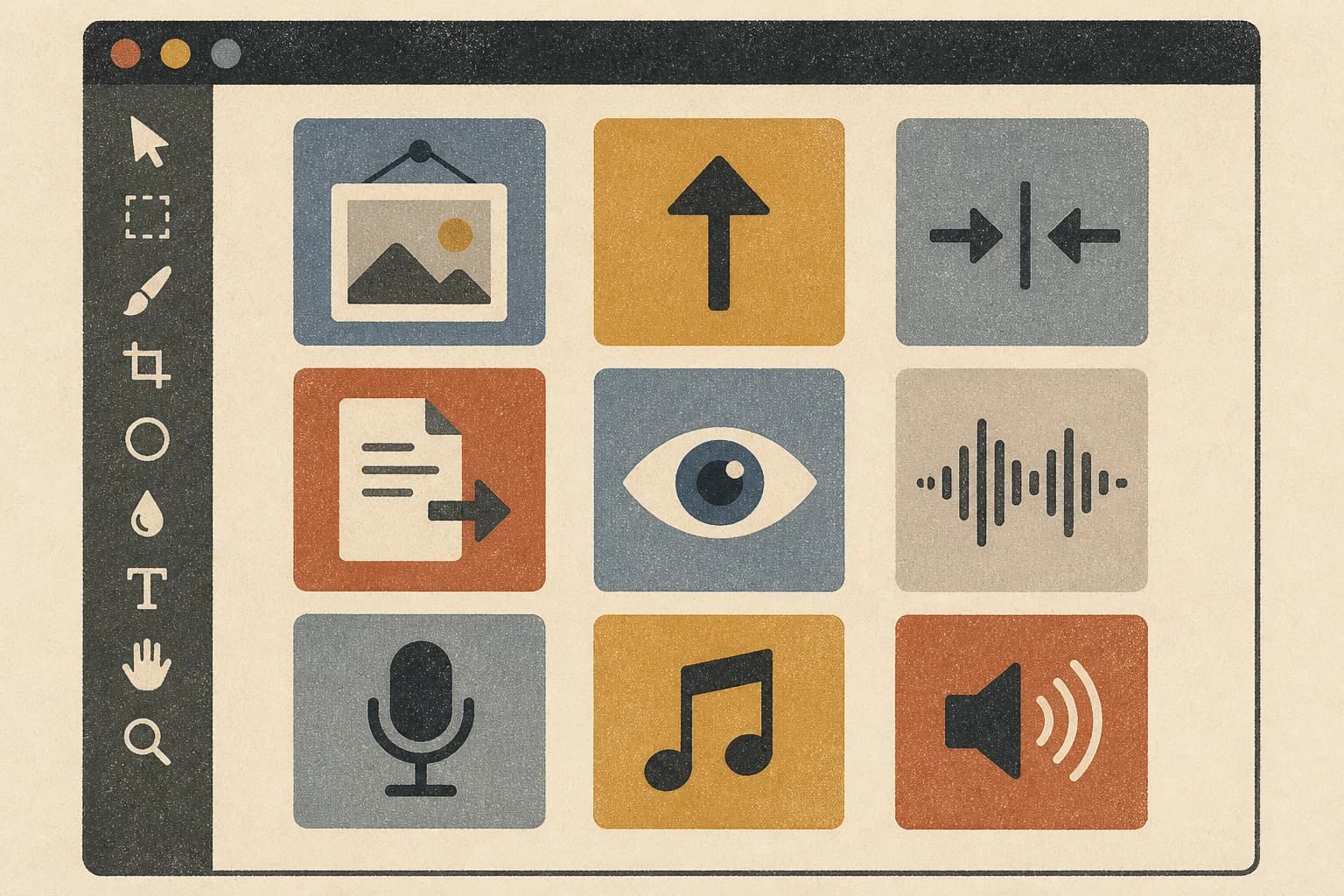
Make it, upscale it, compress it, convert it, read it back. Image and audio tools share one surface and the same gates, so you are not hopping between apps to finish one piece of work.
- ✓Image: create, upscale, compress, convert, vision
- ✓Audio: speak, clone, design, music, transcribe, extract, convert
The browser never touches the GPU
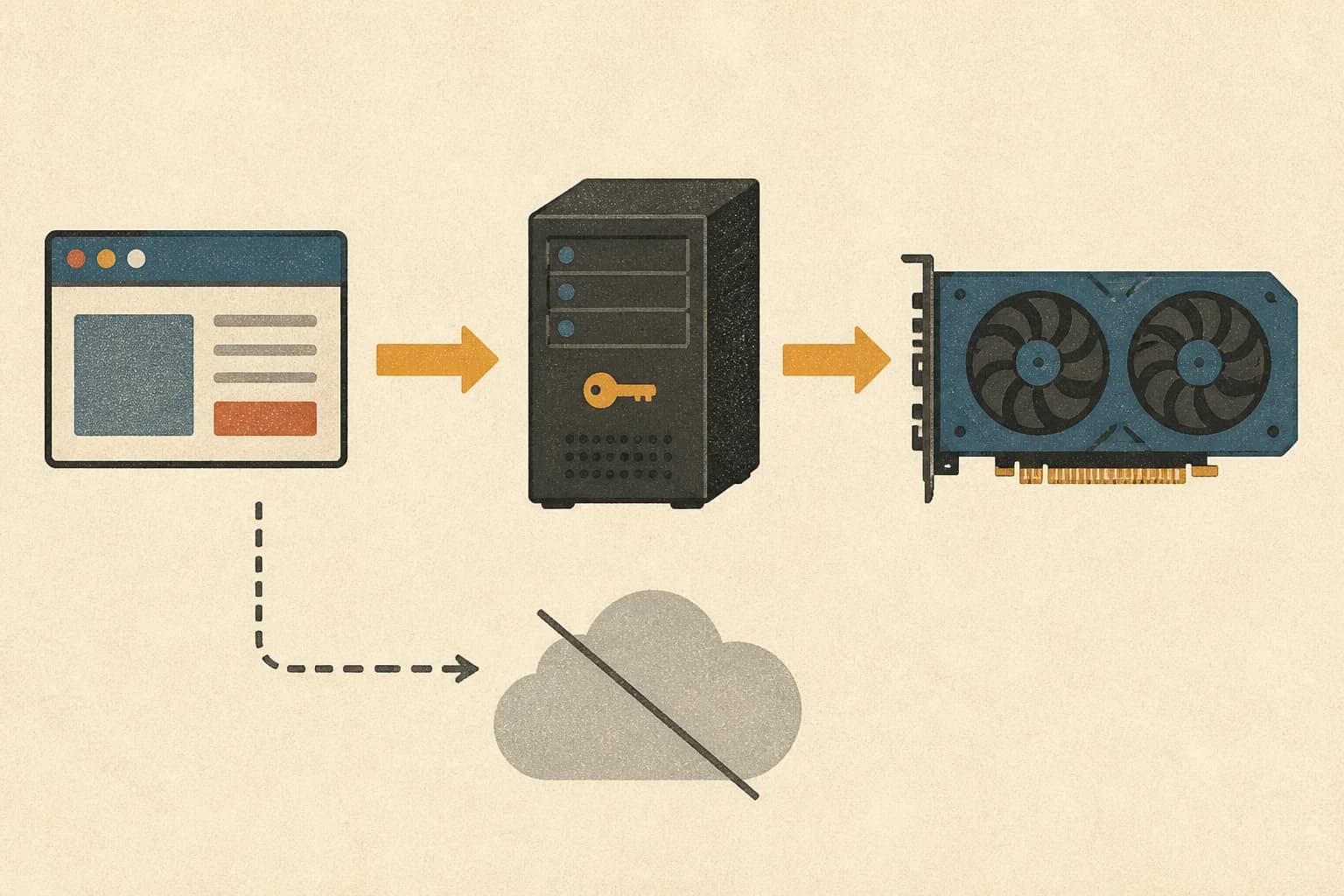
Workflows are assembled on the server from allowlisted templates, and progress streams back from there. The GPU address stays in server-side config and never reaches the browser.
- ✓Browser → your server → your GPU
- ✓GPU address lives in server-only config
- ✓Progress relayed live from the server
Only work you can actually use
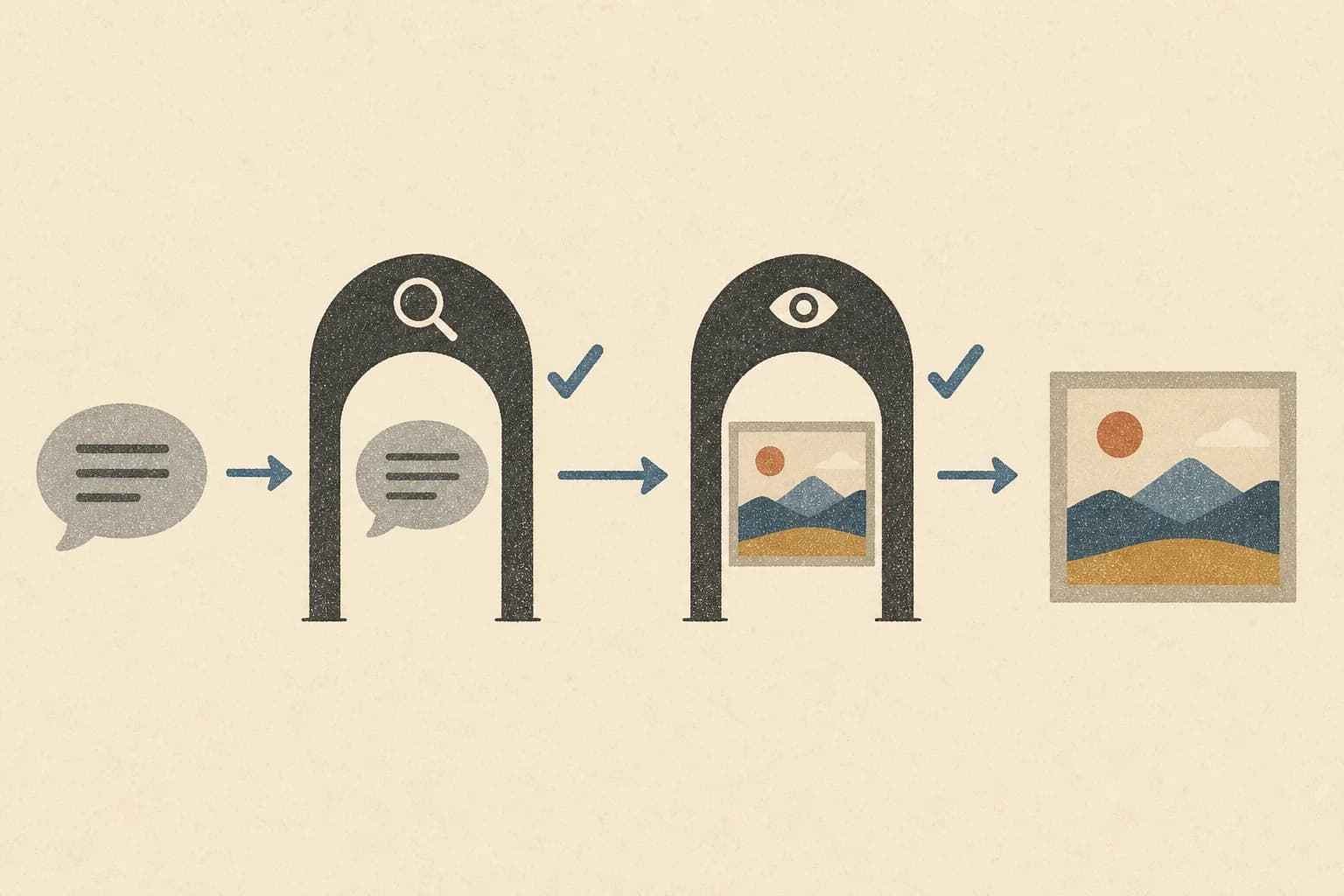
A local model will happily make something you cannot put in front of a client. So a prompt that asks for it gets stopped before generation, and anything that slips through gets caught once the file exists. Two passes, because a bad prompt and a bad image are not the same problem.
- ✓Before: an LLM reads the prompt and can refuse it
- ✓After: a VLM looks at the finished file
- ✓Zero false negatives on 6,000 labeled prompts
- ✓Still a help, not a substitute for your own review
Bring your own model and check it
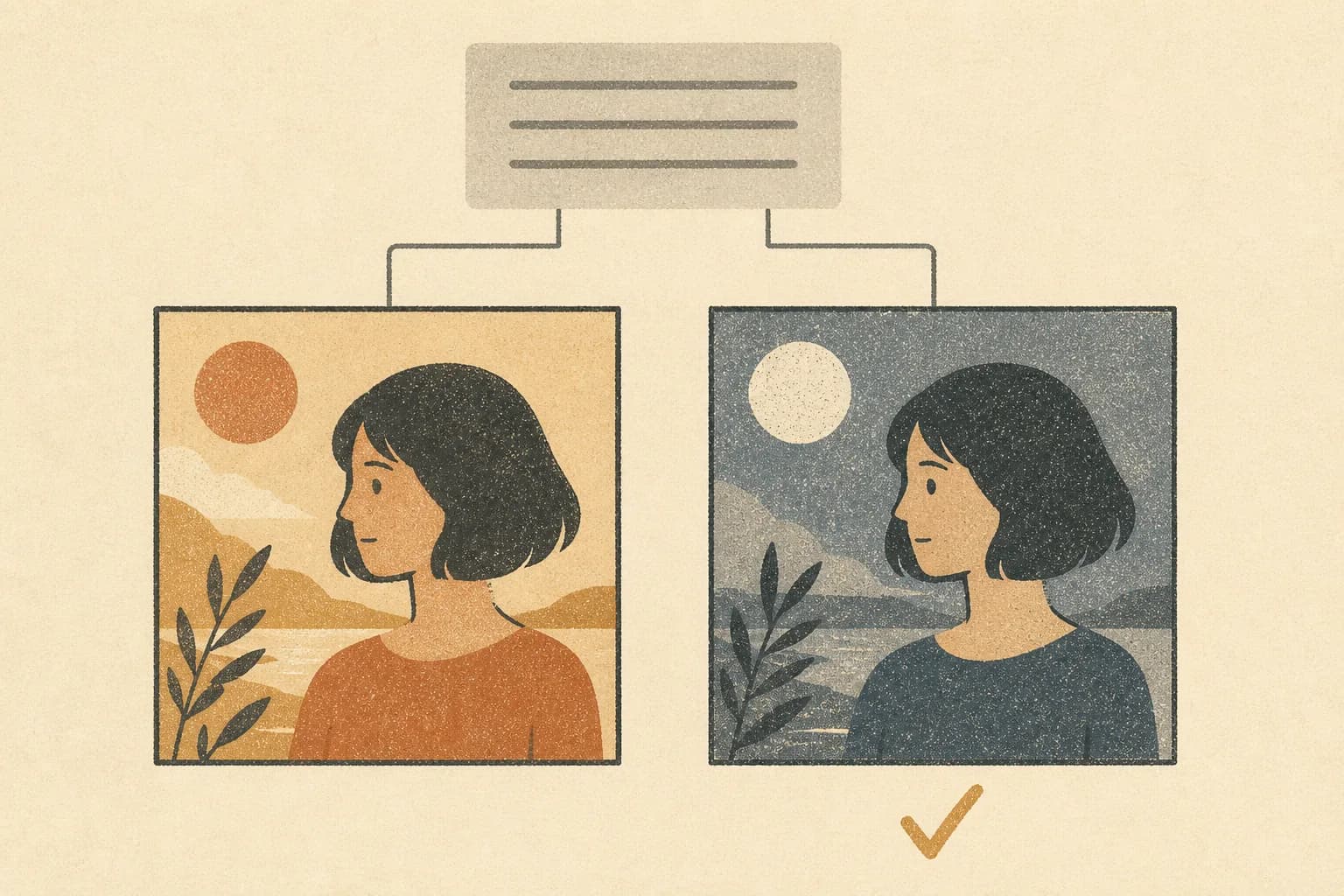
The shipped setup is a starting point, not a lock-in. Drop in your own checkpoint or LoRA, run it against the same prompt as the current one, and look at both results next to each other before you commit to it.
- ✓Swap in your own checkpoint or LoRA
- ✓Same prompt on both, results side by side
- ✓Compared in the tool, not in a spreadsheet
Without a GPU it only opens
With no GPU host attached, the UI loads but no tool produces output. There is no cloud fallback to quietly pick up the work, which is a condition of the design rather than a setup problem.
- ✓Generation needs a GPU host
- ✓No cloud fallback
- ✓Image generation inherits the Hangul and typography gap